I’m currently trying to run Gimp on Macos 15. I built it with meson and everything went well but at runtime I keep having this mistake :
  <no Python frame>
/Users/lena/gimp-dev/bin/gimp-3.0: LibGimpBase-WARNING: gimp: gimp_wire_read(): unexpected EOF
Fatal Python error: Failed to import encodings module
Python runtime state: core initialized
ModuleNotFoundError: No module named 'encodings'
Gimp won’t run then. I have python 3.14 installed and I can find the module outside of Gimp. I tried adding a path for python but it doesn’t work.
Should I try building it with macports ? I tried a couple weeks ago and it wouldn’t work but I saw that there are new instructions.
I’m also trying to build Gimp with a version of GTK that I modified. I’m using environment path to use the correct GTK so that might be why.
Should I try building it with macports ? I tried a couple weeks ago and it wouldn’t work but I saw that there are new instructions.
Hi. First of all, which instructions are you following, and are you trying to build the latest master?
I recommend trying to build the latest master using the new instructions: Building GIMP for macOS – GIMP Developer Then, if it still fails even with the new instructions and latest master, please check the $GIMP_PREFIX/lib/gimp/*/interpreters/pygimp.interp
Hi,
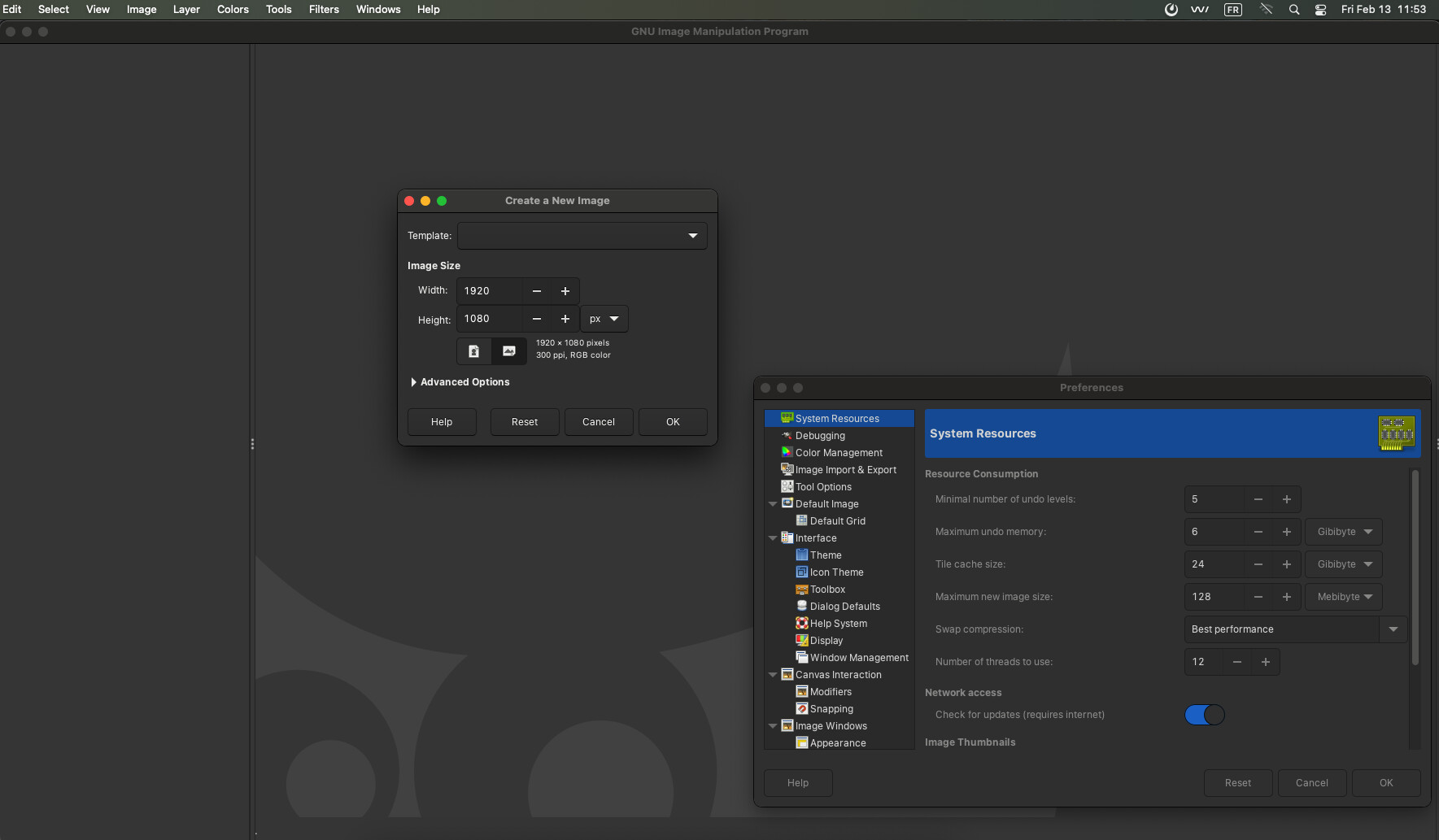
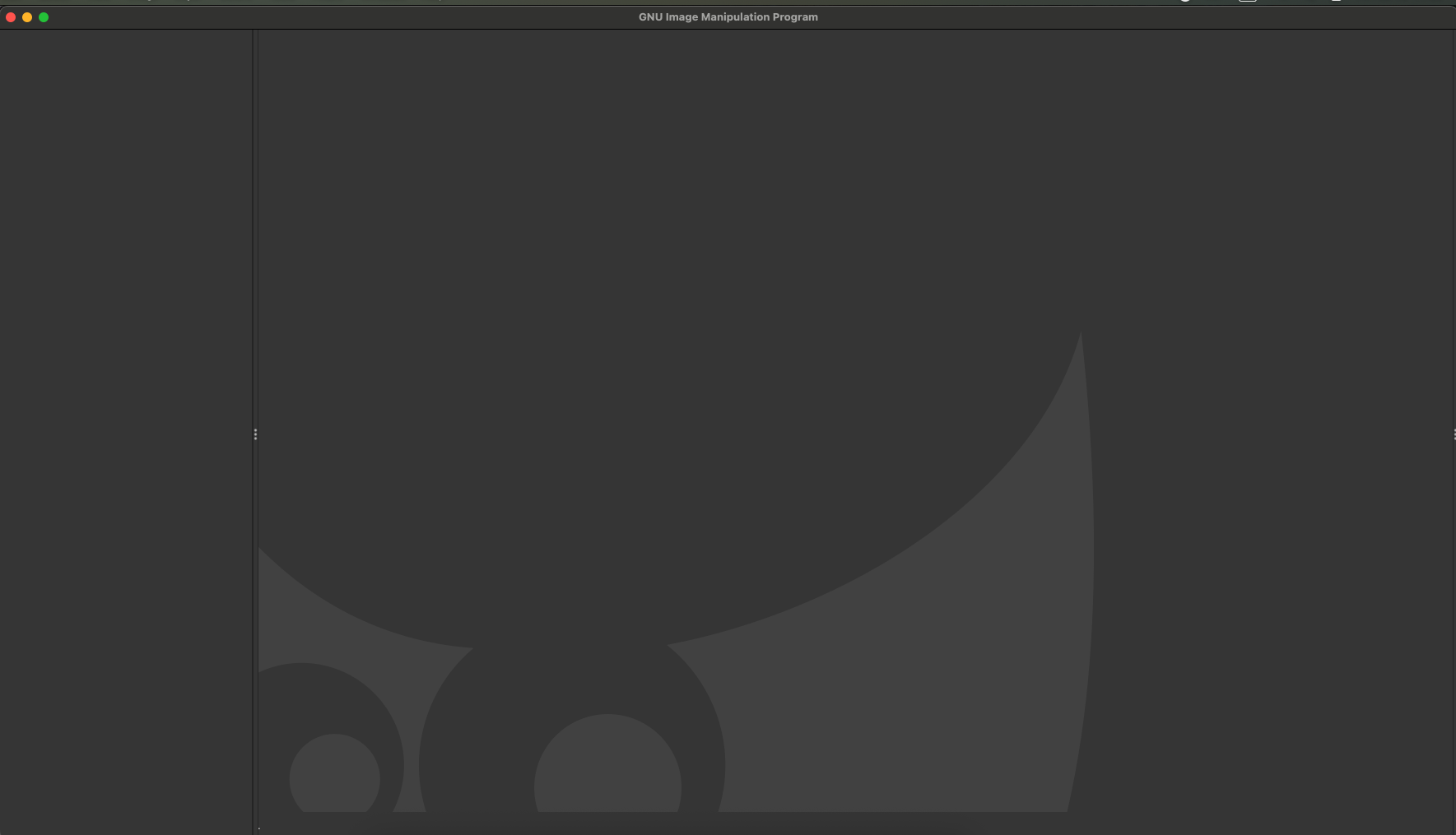
Thanks for answering, building with the new instructions resolved this issue but I now have another one. For some reason, the main window is empty but I can open other windows like the preference one with no problem.
When I’m running Gimp, I have those messages with multiples from script-fu that look like the first one:
Error: eval: unbound variable: (/Users/lena/Documents/gimp-officiel/_install/share/gimp/3.0/scripts/weave.scm : 440)  script-fu-register-filter
scriptfu-Message: 11:57:24.992: Error while loading /Users/lena/Documents/gimp-officiel/_install/share/gimp/3.0/scripts/xach-effect.scm:

Error: eval: unbound variable: (/Users/lena/Documents/gimp-officiel/_install/share/gimp/3.0/scripts/xach-effect.scm : 141)  script-fu-register-filter

(gimp:27926): Gtk-CRITICAL **: 11:57:25.197: gtk_menu_tracker_remove_items: assertion '*change_point != NULL' failed
Witht he main window having keyboard focus, try pressing the tab key and see if it helps. If not, press the tab key once again, as it’s a toggle.
I tried pressing on the tab key but nothing happened.
This is a macOS specific bug of GTK. You need to resize the window to ensure there is no dialog under it. Sometimes, the resizing will fix the glitch.