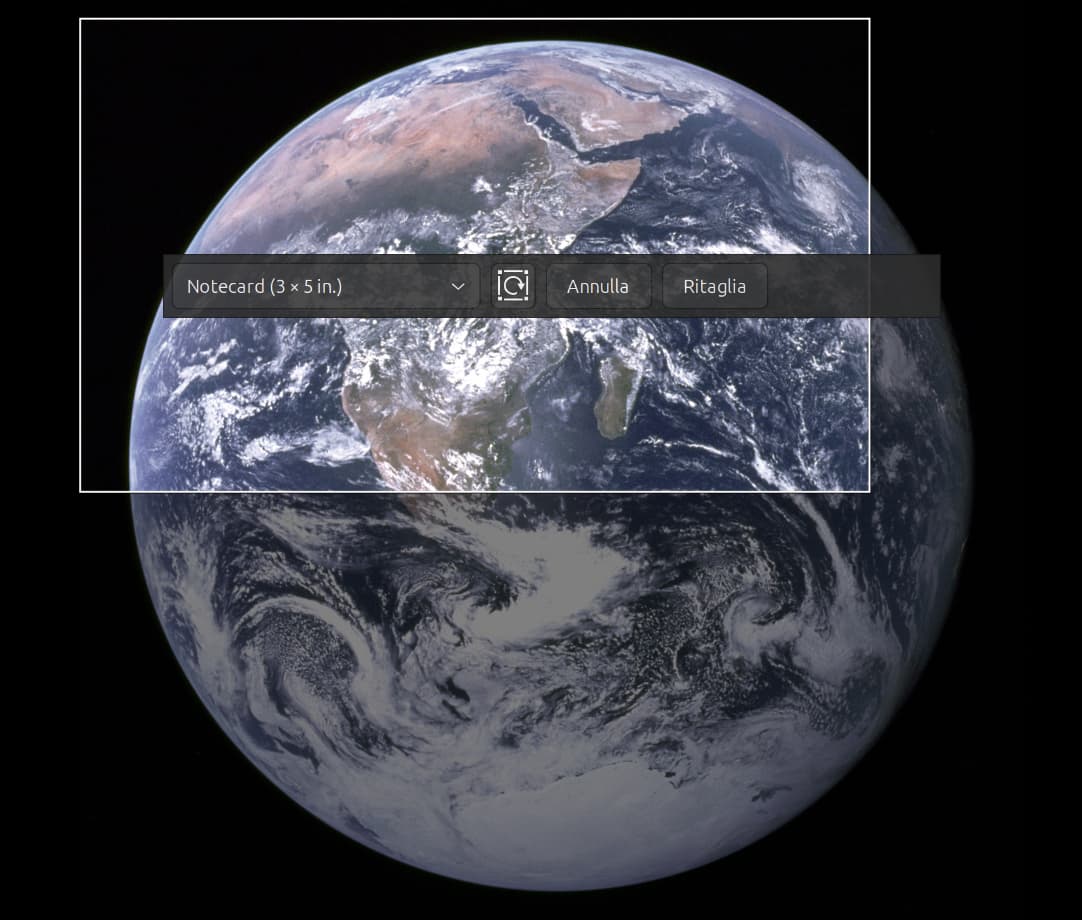
Impossible to crop

Hi, writing from Italy and first time here but using Shotwell (always updated) from the beginning in Ubuntu.
It’s been a few months that while using the crop image function, the crop rectangle overimposed on the image have some limits to it’s movements (up-down-left-right) or moving one side separately.
If I drag the border it stops and I cannot go over the invisible limit and reach the border of the original image.
Also using the common sizes suggested.
Thanks
Simone

odd. do you have an example image? Also can you state the version of shotwell and gdk-pixbuf? Thanks

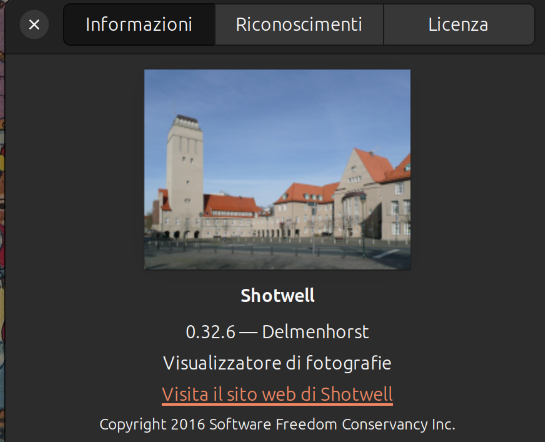
version here

but, :slight_smile: tell more about “gdk-pixbuf”.

Tnx

In this example the crop area is all to the up left and I can’t drag the border more down right than this.

It doesn’t happen all the time, but I don’t have yet guessed why.

There were several fixes regarding the crop UI between 0.32.6 and 0.32.13, maybe that was one of them (especially if you are on wayland)

Just updated to 0.32.13, but the behaviour persists :face_with_diagonal_mouth:

ok, then I need the following:

  • The Desktop Environment and distribution you are on
  • The windowing environment (X11 or Wayland)
  • can you start shotwell from the console and see if you get any messages while trying to scale the rectangle?

So…

  • Ubuntu 24.04.3 LTS with gnome 46
  • Wayland
  • kernel Linux 6.8.0-87-generic

Terminal:
** Message: 21:13:58.416: main.vala:509: Starting session with system profile

Unfortunately I cannot reproduce that here and I have no idea what happens there, sorry

Ok, no problem, I can live with it (Gimp) :wink: .
Thanks for all.

This topic was automatically closed 45 days after the last reply. New replies are no longer allowed.