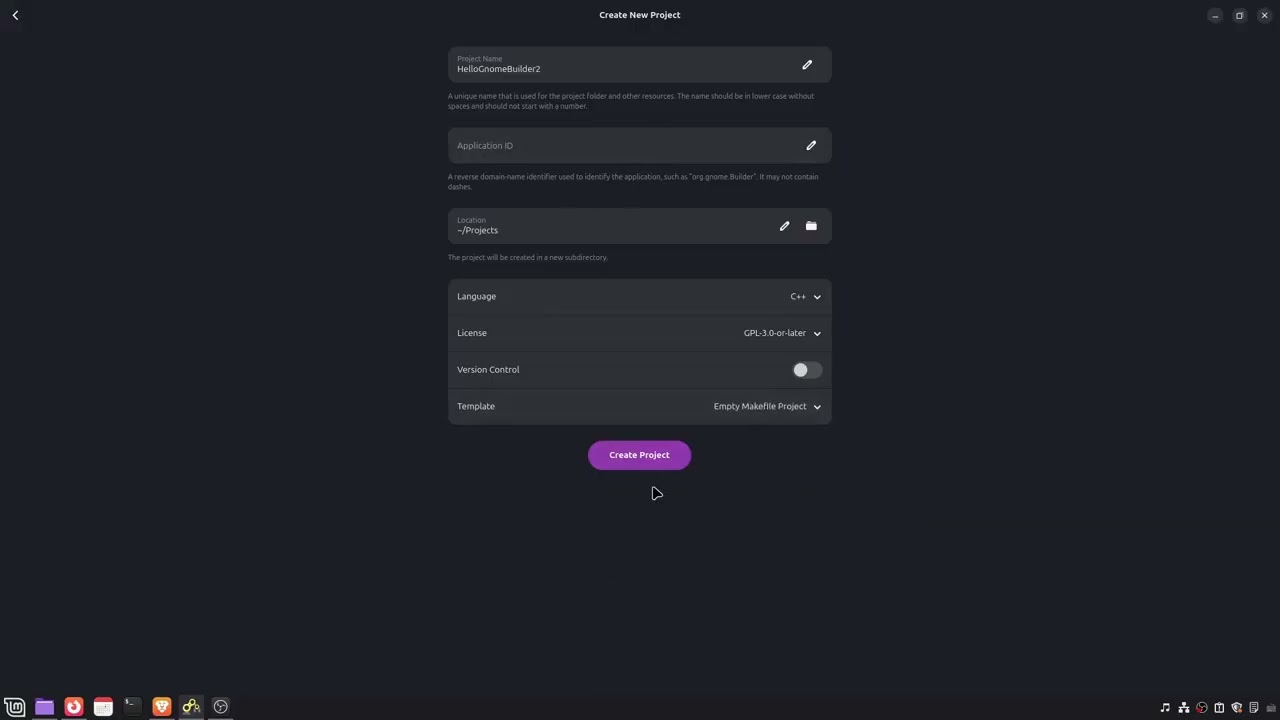
Dear Gnome Community, I am under the assumption from viewing earlier posts that this space is appropriate for posting about Gnome Builder and other Gnome-related software.
Today I was trying out Gnome Builder, and I made a new project and generated a template dedicated to make. The project compiled fine and everything seemed fine at first, but the program doesn’t run and I see no output under application output.
I have a second problem, and that is how despite writing C++ and using CMake for about 3 years, I still am not sure what GnomeBuilder wants from me to adapt my earlier projects that utilise CMake to this workflow. Apparently when I try my own CMake-generated make file Gnome Builder rejects it and tries to use Ninja instead. So that is a dead end for me.
I am on Linux Mint Cinnamon edition 22.2. Using the latest CMake and make that I can fetch from apt.
Any directions are appreciated. I checked out the documentation but apparently this is supposed to be rather simple. I will share a video of the former problem. With kind regards, a linux mint user.
You might be able to pass -G “Unix Makefiles” to force it to use Make instead of Ninja. I don’t know whether this will work, though. I would expect it to work, but you might be the first developer to try it. It would work if (a) Builder prepends -GNinja to the user-configured flags, rather than appending -GNinja, and if (b) Builder only uses CMake commands (cmake --build, cmake --install) and does not attempt to directly use Ninja.
It’s extremely strange to prefer Makefile rather than Ninja; I’ve never before heard of any developer who has ever wanted this. CMake defaults to Makefiles and it’s just understood that all developers always add -GNinja to avoid that. My experience from a decade ago, when Ninja was newer, was that CMake’s Makefiles are extremely slow.
Mcatanzaro, thank you for your response. My impression from the docs was that CMake just isn’t in the picture for GnomeBuilder, because all examples and templates seem to just contain a makefile. Do you happen to have a lead to easier find where it describes how to build with CMake?
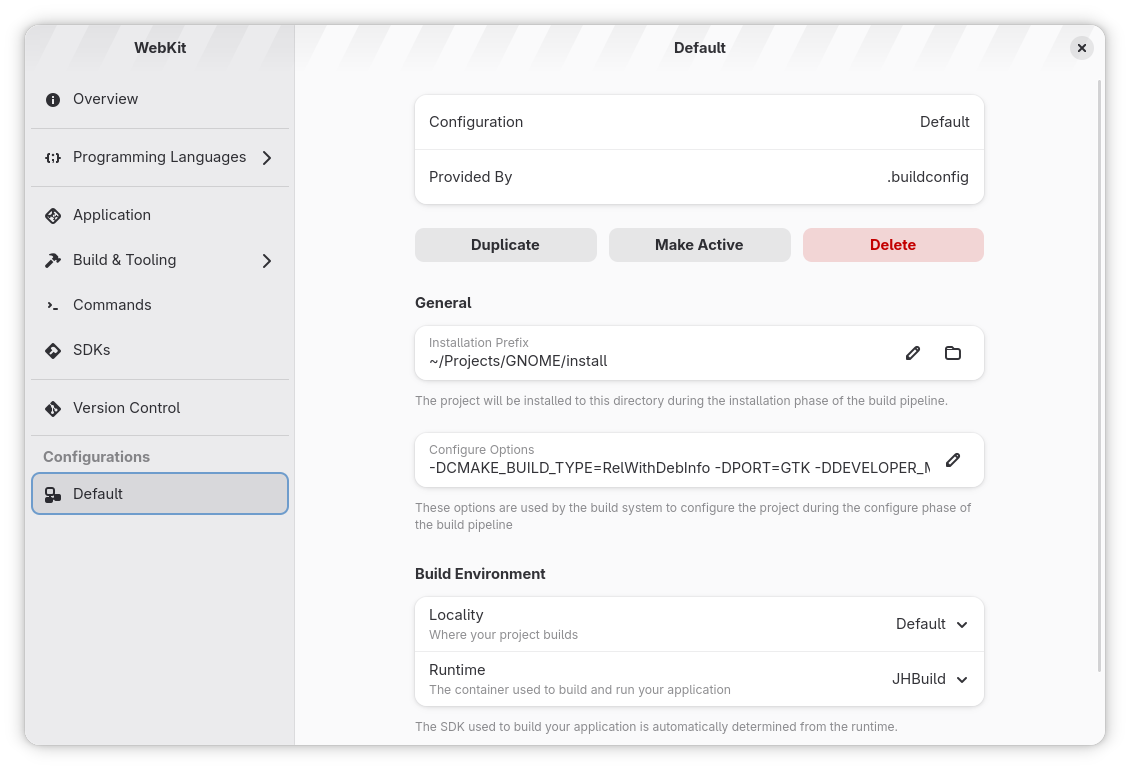
Where can I find “Configure Project“? I’m looking through the widgets in the program like mad and I can’t for the life of me find it. I’m off to an extremely bad start.
I managed to find the same menu you’re on. Next thing I wonder is, I don’t understand what you mean by “You can select a configuration from the sidebar“. Maybe you mean Configure Options? I’m see that there are supposed to be CMake arguments there. But what about running make after that? Can CMake really run make automatically? Have never heard of that.