I’ve been using Evolution in LInux Mint for a few years now. I’ve had a button on the menu bar to turn the preview pane on or off for most of that time.
Today I upgraded Mint to 22.3 (from 21.3), and the button has disappeared. I’ve been searching the web for any info on how to get it back, but I’ve found nothing.
Hi,
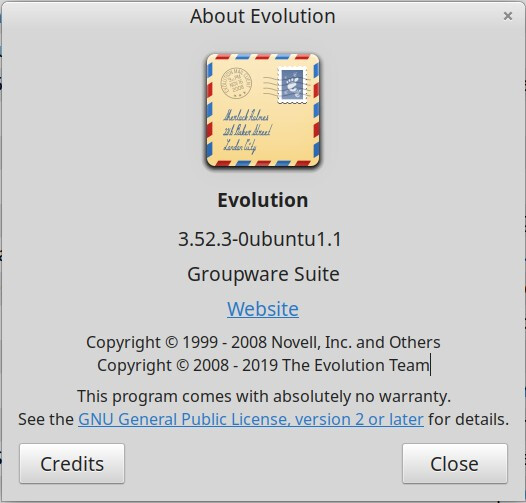
I guess you added it there long ago. What is your Evolution version,
please? Either your UI modification could not be used due to some
changes in the layout (version of the UI file changed), or you’ve a
version of Evolution which moved away from the previous format and uses
a new format. In other words, the Evolution version matters here.
Try to right-click on the tool bar. Does it show “Customize Toolbar…”
in a context menu there? If it does, use it to add there the “Show
Message Preview” action, by drag&dropping it from the “Available
Actions” part to the “Layout” part.
There is no “Customize Toolbar” command when I right-click on the toolbar area. There’s no context menu at all, in fact. I wondered about that, actually.
Hi,
oh, an image instead of six characters (3.52.3). Kinda wasteful.
Anyway, in that case, the version of the UI definition changed between
the previous Evolution version you had and this one. The “Customize
Toolbar…” landed for 3.56.0 stable version, which explains why it’s
not in your version.
The nearest UI definition version changed in time of 3.47.1 for
You can search for the .ui file somewhere under your home (probably evolution-mail.ui file), and change its version at the top from 1.0
to 1.1 (you will only have missing some of the entries in the GUI),
but if you had done the changes in the /usr/share/evolution/ui/
directly, then the changes are gone with any evolution package update
(or the subpackage into which the Ubuntu saves these .ui files).