I’m using Gimp 2.10.38 on Ubuntu 22 and am trying to add some new *.otf fonts. I’ve tried following steps online and put the files in:
~/.config/GIMP/2.10/fonts/
~/.fonts/
~/.local/share/fonts/
I’ve opened the fonts dialog and have used the button to refresh the fonts but they’re still not showing up. The file command identifies the files as OpenType font data.
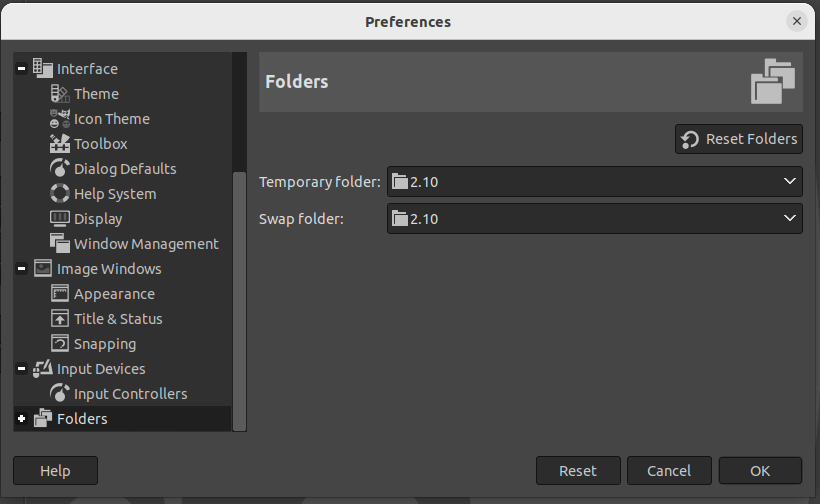
To install fonts for Gimp: go to Edit > Preferences > Folders > Fonts (you may have to click the ⊞ icon next to Folders to unfold it). This lists two folders, one being under your home directory (likely ~/.config/GIMP/2.10/fonts/) . Drop the .TTF/.OTF there. Then hit the Refresh fonts button and they should appear.
You can also install the fonts for all apps (which is what you appear to have done) but this may requires a Gimp restart.