In Settings > Power > General > Connected Devices, my bluetooth device finally shows the correct power level. However, there is a problem: there is a space before the percentage symbol. As my locale is “en_US.UTF-8”, this is not the correct format in my case. See: Percent sign - Wikipedia
English style guides prescribe writing the percent sign following the number without any space between (e.g. 50%).
Image:

My other UI suggestion is that, rather than just being in power settings, the battery percentage for bluetooth devices should show in bluetooth settings or in the top-right corner. Then, it will be more prominent, easy, and intuitive to find, e.g., in Settings > Bluetooth > Devices, instead of “Jabra Elite 85h Connected” It would say “Jabra Elite 85h (90%) Connected”, “Jabra Elite 85h Connected (90%)”, or simply “Jabra Elite 85h 90%”, as the percentage itself implies connection, obsoleting the “Connected” status with a more specific “90%” or “90% Battery” status. By status, I am referring to the word or phrase displayed in gray-colored text.
Images:
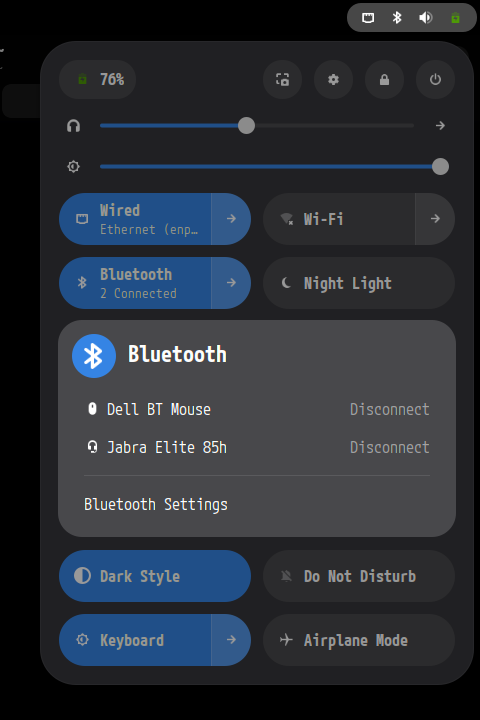

P.S.: I do appreciate the inclusion of bluetooth device battery information in the power settings, as it is a significant improvement. I am grateful, and only want to see the display of this information perfected, by formatting percentages correctly for each locale, and by copying or moving the information to a more prominent location where users may find it more readily accessible. Thank you for your time and consideration.