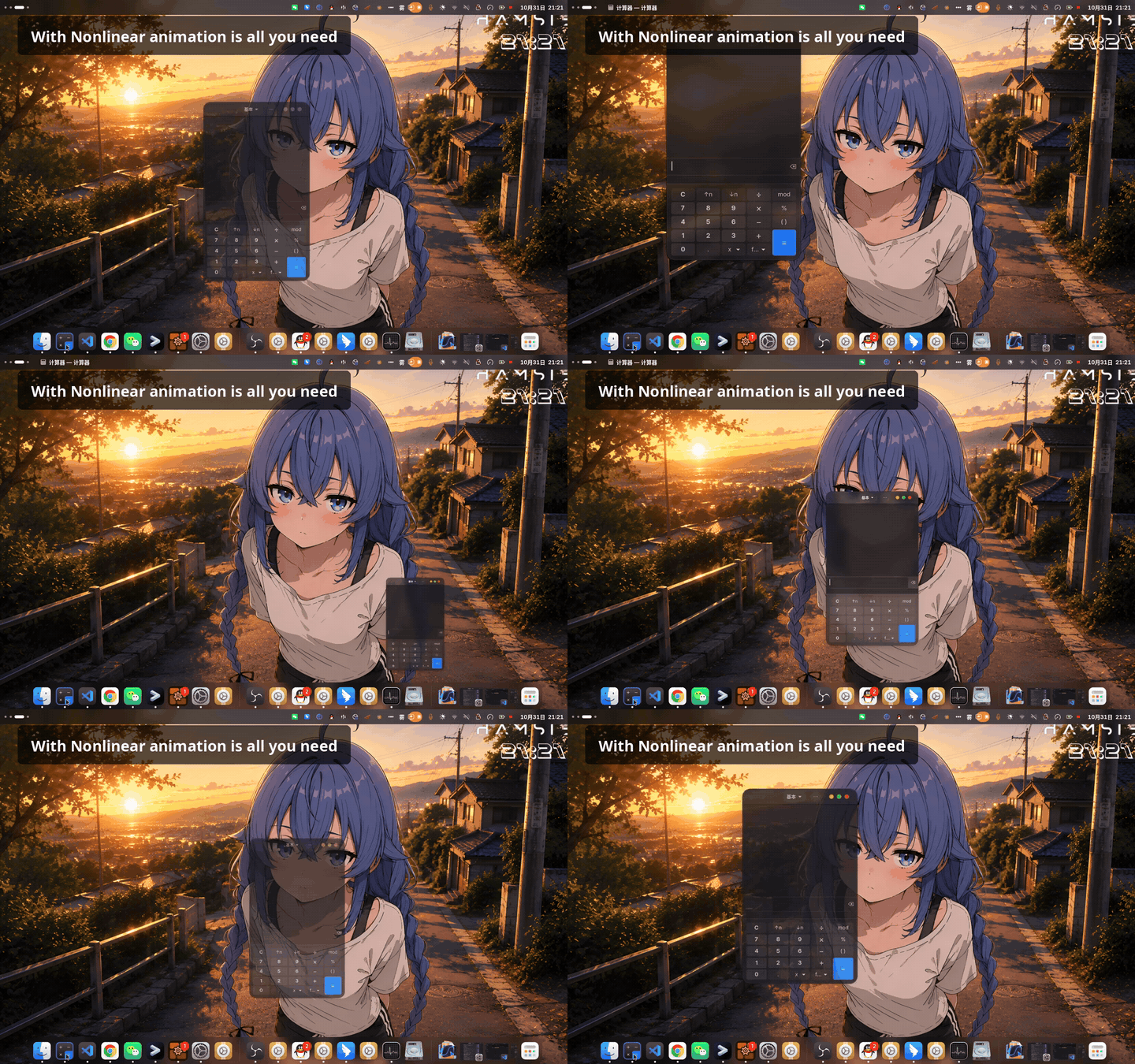
A capture of window minimize and restore, with interruptions thrown at them mid-flight, everything following one curve:
Interrupted animations keep going. Flip two app-grid pages quickly, or restore a window mid-minimize, and stock GNOME starts the replacement animation at zero speed, wherever the old one died. Interrupt a workspace switch and it does something worse: the animation gets torn down and the view teleports. With this extension, the new animation picks up the old one’s velocity and flows, and an interrupted workspace switch turns its slide toward the new workspace instead of teleporting. This is on by default, with separate knobs for same-direction momentum and opposite-direction rebound.
Every animation follows a curve you draw. A canvas editor: drag control points, double-click to add, right-click to remove, endpoints pinned. Values above 1 give you overshoot, a replay button previews the motion, and curves export as small JSON files you can share like themes (CSS-style beziers convert on import). Seven presets ship in the box if drawing is not your thing.
Why that is worth doing
GNOME does ease most of its animations, but each area grew its own curve and stuck with it. I audited the 50.0 source before writing this post:
| Animation | Curve |
|---|---|
| Window open / minimize | EASE_OUT_EXPO, QUAD |
| Overview state (open/close choreography) | EASE_OUT_SINE, QUAD |
| App grid paging | EASE_OUT_CUBIC |
| Workspace switching | EASE_OUT_CUBIC |
| App icons scaling in | EASE_OUT_QUINT |
| Window clones spawning into the overview | linear |
| Icon press feedback | linear |
Seven behaviors, six different curves, no shared motion language, and no way to change any of them. The extension hooks the four ease methods the shell itself uses (ease, ease_property, easeAsync, and the adjustment one) and puts one curve, yours, behind all of them.
- Touchpad gestures stay native. Gesture-driven motion already tracks your finger; stacking a curve on top would fight it, so the wrap-up only stretches slightly.
Performance
Presets swap a single enum before the native Clutter call, which adds nothing per frame. Custom curves run one small callback per frame per animation: the spring is a closed-form analytic solution (one exp plus a couple of trig calls, coefficients precomputed at animation start), the spline is a binary search plus a handful of multiply/adds. Nothing is allocated on the frame path. Springs also have an optional per-frame physics integration mode if you want maximum fidelity.
The system reduce-motion and disable-animations settings are honored. GNOME Shell 49, 50 and 51 are declared, and their internals were read side by side before declaring that.
Links
- extensions.gnome.org: Nonlinear animation is all you need - GNOME Shell Extensions
- Source (AGPL): GitHub - NB-Group/Nonlinear-animation-is-all-you-need: Make every GNOME animation smooth and nonlinear! Custom curves, interruptible animations, and interruption buffering—all in one extension · GitHub
The name is a transformer joke, yes.
Happy to answer questions here. If you hit a bug, GitHub issues get the fastest response; several of this week’s fixes came from user reports within hours.