Hello everyone! 
I’m experiencing an issue where SFTP mounts from the Network tab fail to open in certain scenarios outside of the usual happy path. 
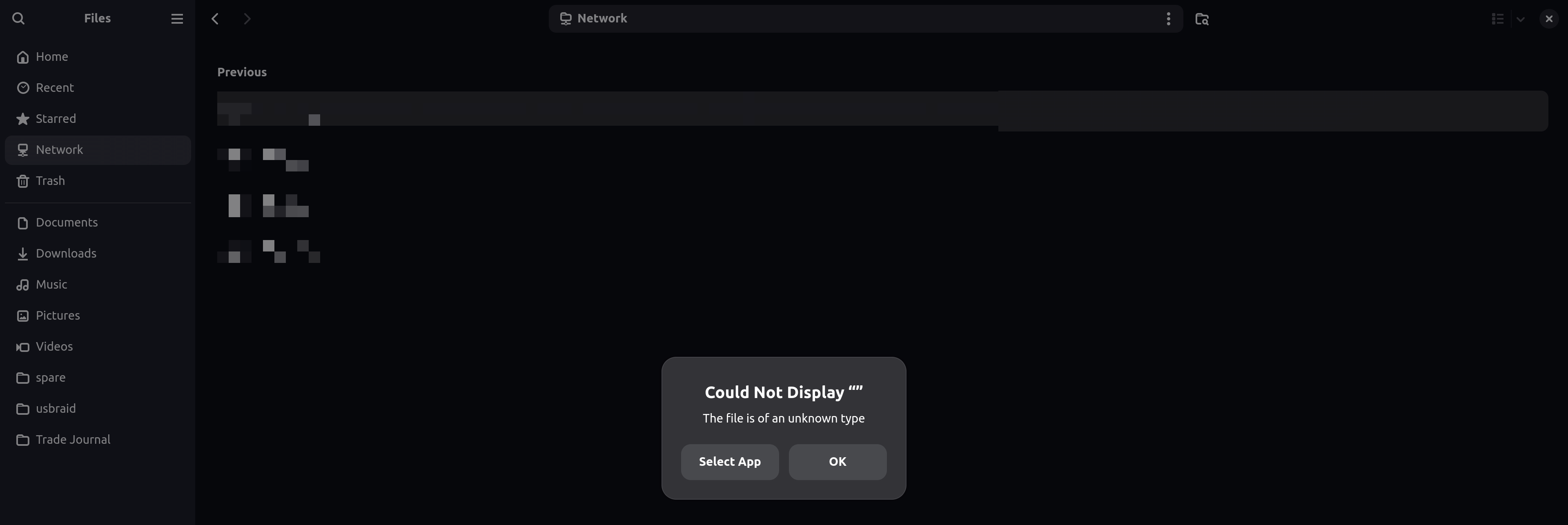
The error message when trying to open it is:
Could Not Display ""
The file is of an unknown type
Screenshot of issue:
Steps to reproduce:
- Create an SSH config in
~/.ssh/configlike:
Host myhost
  Hostname host.domain.tld
  User myuser
  IdentityFile ~/.ssh/mykey
- From Files > Network tab > type server address as
sftp://myhost. - The network location is opened at path
sftp://myhost/home/myuser. Navigate to pathsftp://myhost/. - Press the eject icon from the left-side menu.
- From Files > Network tab > Previous > try to open the saved SFTP location again and it fails with the aforementioned error.
Issue is related to the remote root filesystem path /. Ejecting (unmounting) from any other remote FS path does not produce issue. Issue disappears after exiting and reopening Nautilus.
System info:
pavin@suse-pc:~> nautilus --version
GNOME nautilus 50.3.1
pavin@suse-pc:~> mutter --version
mutter 50.5
pavin@suse-pc:~> gnome-shell --version
GNOME Shell 50.5
Sorry if this was reported previously, I could not find it! 