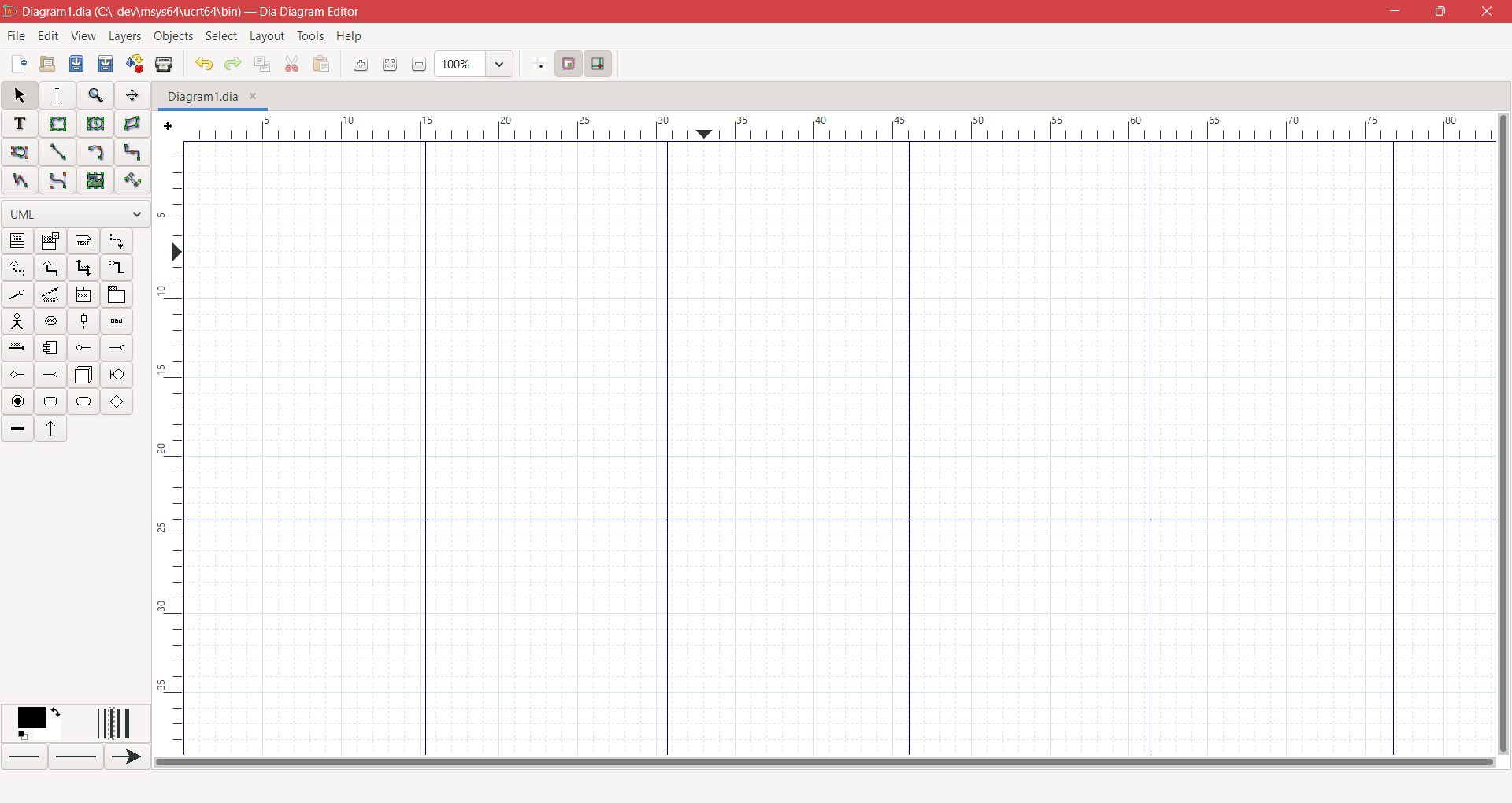
Greetings. I have installed Meson with MSI installer Getting Meson , then MSYS2 and the recommended packages. I set the environment path variables for these tools. C:\_dev\Meson\ C:\_dev\msys64\mingw64\bin
I have downloaded and extracted the Dia zip into a new folder inside C:/_dev. When I tried to build Dia with Meson, I was told that graphene-1.0 was not found.
Full console:
C:\_dev\Dia>meson build
The Meson build system
Version: 1.12.1
Source dir: C:\_dev\Dia
Build dir: C:\_dev\Dia\build
Build type: native build
Project name: dia
Project version: 0.98.0
C compiler for the host machine: cc (gcc 16.2.0 "cc (Rev4, Built by MSYS2 project) 16.2.0")
C linker for the host machine: cc ld.bfd 2.47.20260726
C++ compiler for the host machine: c++ (gcc 16.2.0 "c++ (Rev4, Built by MSYS2 project) 16.2.0")
C++ linker for the host machine: c++ ld.bfd 2.47.20260726
Host machine cpu family: x86_64
Host machine cpu: x86_64
Found pkg-config: YES (C:\_dev\msys64\mingw64\bin\pkg-config.exe) 3.0.7
Run-time dependency glib-2.0 found: YES 2.90.0
Run-time dependency gio-2.0 found: YES 2.90.0
Run-time dependency gtk+-3.0 found: YES 3.24.52
Run-time dependency libxml-2.0 found: YES 2.15.4
Run-time dependency gmodule-2.0 found: YES 2.90.0
Run-time dependency cairo found: YES 1.18.6
Did not find CMake 'cmake'
Found CMake: NO
Run-time dependency graphene-1.0 found: NO  (tried pkg-config)

meson.build:24:15: ERROR: Dependency "graphene-1.0" not found (tried pkg-config)
You also need ${MINGW_PACKAGE_PREFIX}-gettext-tools.
Maybe ${MINGW_PACKAGE_PREFIX}-itstool too (it’s used for re-generating the *.po files, not needed if they’re already present).
On a side note, it seems you use the old obsolete mingw64 environment, which is being deprecated. I recommend switching to ucrt64 instead. The packages name have a different prefix mingw-w64-ucrt-x86_64-, using the variable ${MINGW_PACKAGE_PREFIX} will automatically work everywhere.
FYI meson is also provided by msys2 with ${MINGW_PACKAGE_PREFIX}-meson.
I personally always use the ucrt64 console to build, I’ve no idea if it can work from CMD.
On a side note, dia is also packaged by msys2, you can have a look at the build receipt here MINGW-packages/mingw-w64-dia at master · msys2/MINGW-packages · GitHub to find all the dependencies and the commands for building. You could also modify the pkgbuild locally and use another git commit, then build and install it with makepkg --install.